# Edit an activity
> Learn how to edit an existing activity in your calendar.
Source: https://support.caspen.com/calendar/activities/edit-an-activity
Documentation index: https://support.caspen.com/llms.txt
## How to edit an activity
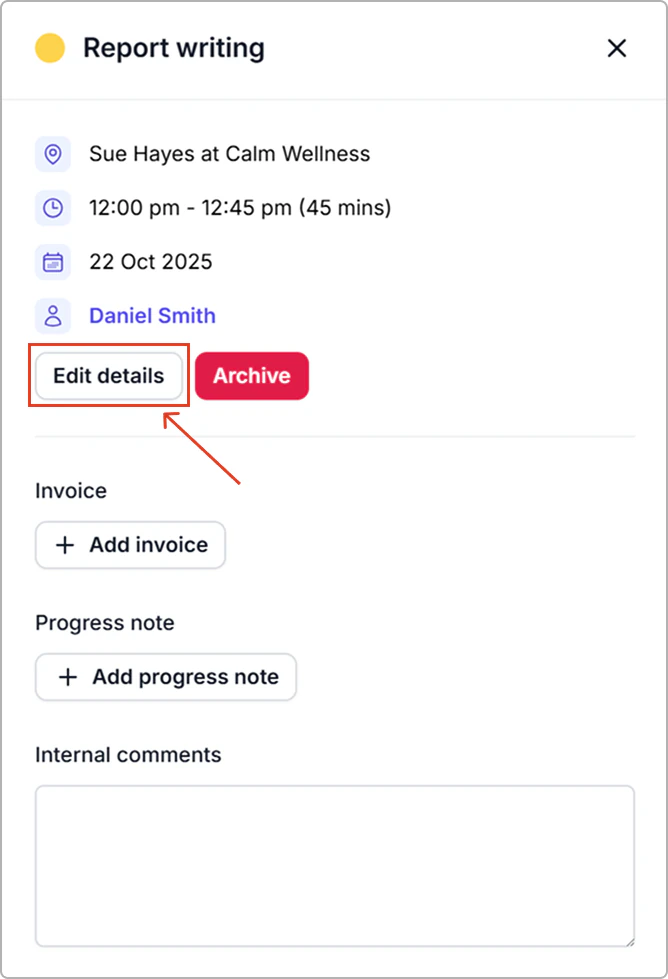
1. Go to **the Calendar** and click the activity.
2. In the activity info panel, select **Edit details**.
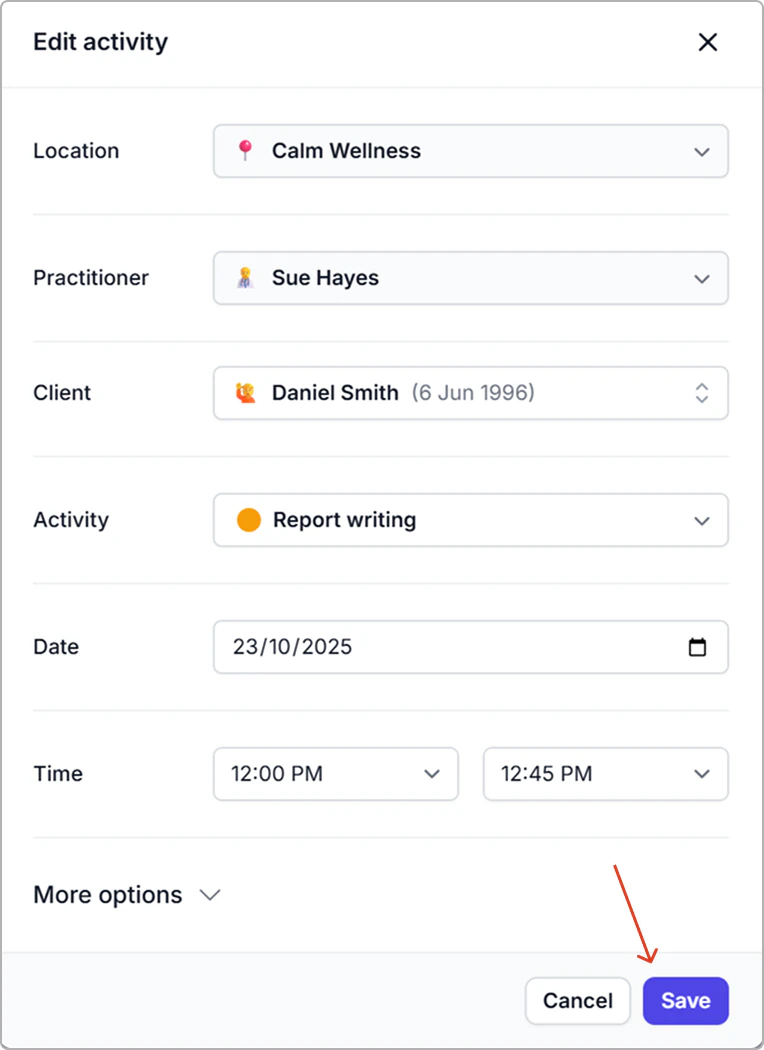
3. Make your changes, then click **Save**.
**Result**
- The activity updates immediately in your calendar.
> **Info:**
>
> **Tip:** Want a quick way to lengthen an activity? On the calendar, drag the bottom edge of the activity down to extend the end time.