# Archive a busy time
> No longer need a busy time block? Archive it to remove it from your calendar.
Source: https://support.caspen.com/calendar/busy-times/archive-a-busy-time
Documentation index: https://support.caspen.com/llms.txt
> **Info:**
>
> Note: You can only archive future busy times. Past busy times cannot be archived.
## How to archive a busy time
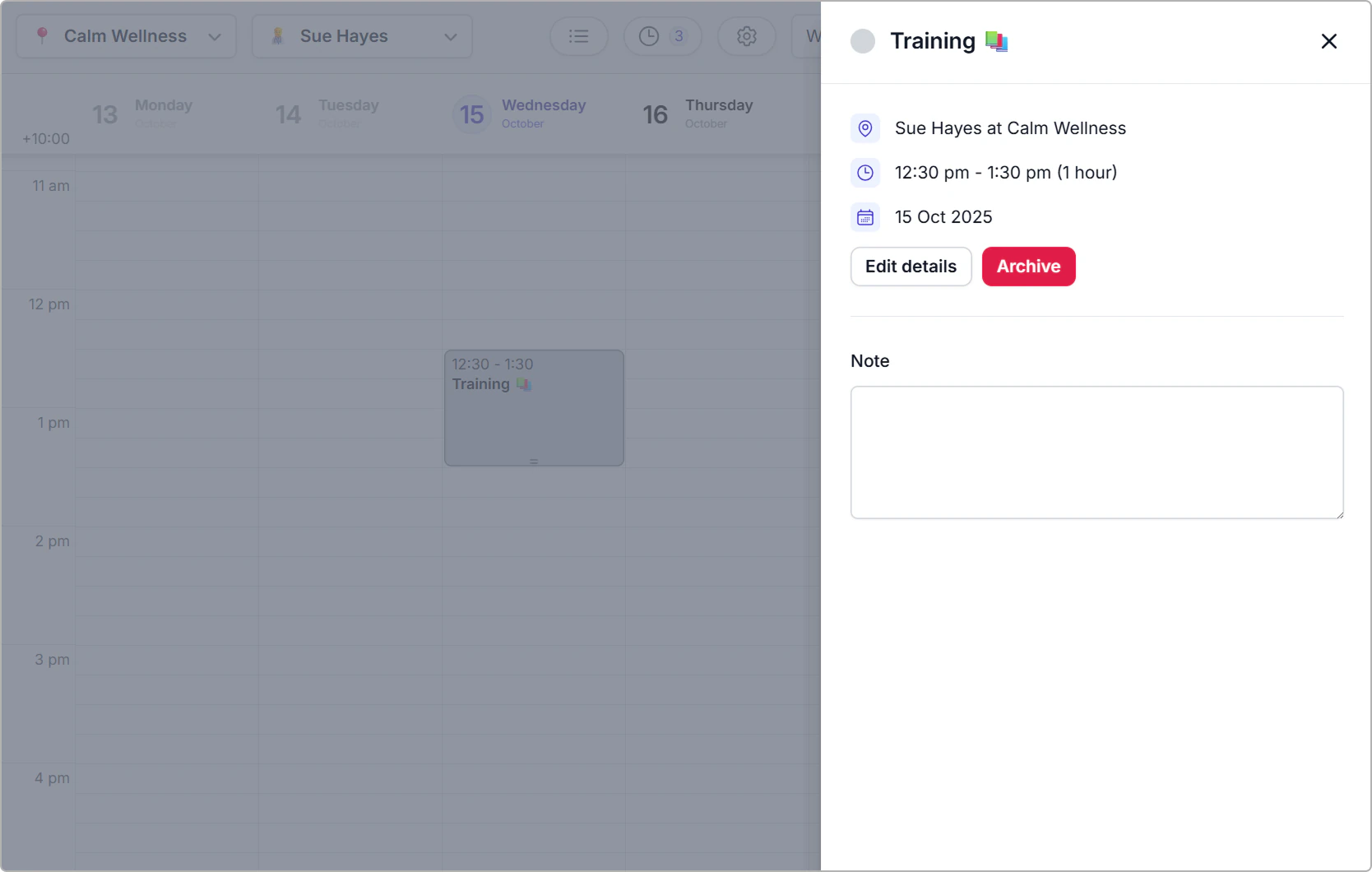
1. Click the busy time block to open the side panel.
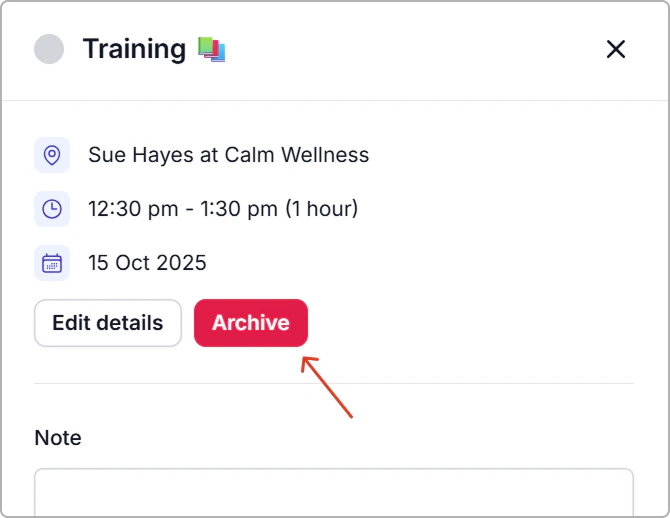
2. Click **Archive**.
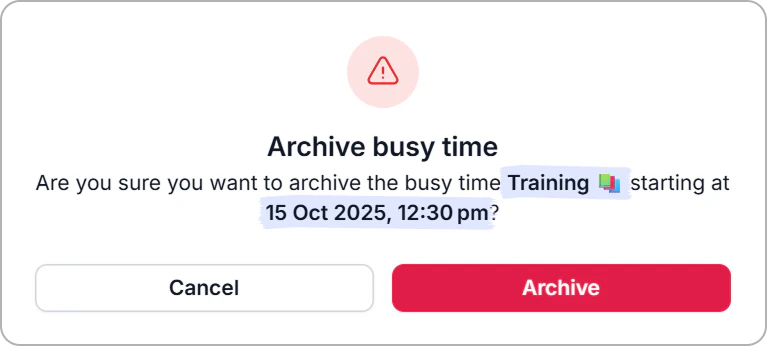
3. Review the confirmation, then click **Archive** again.
**Result**
- The busy time is removed from the calendar and the time becomes available for booking.