# Show an important notice on every online booking page
> Add a message that appears across all online booking pages.
Source: https://support.caspen.com/online-booking/show-an-important-notice-on-every-online-booking-page
Documentation index: https://support.caspen.com/llms.txt
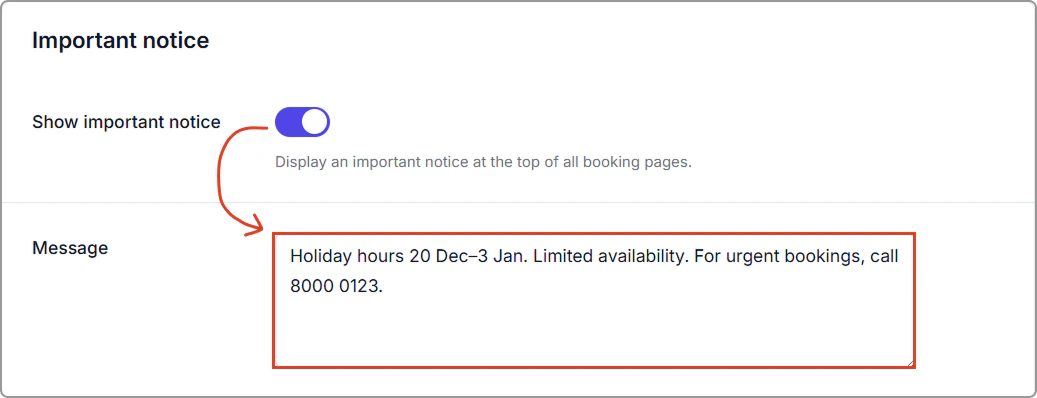
Use Important notice to display a short banner across all online booking pages. this is helpful for holiday notices, urgent alerts, special instructions, or other important information clients should see before booking.
---
## How to add an important notice on your booking page
1. Go to **Settings** → **Online booking**.
2. In **Notices**, turn on **Show important notice** and enter your message in **Message**.
3. Click **Save** (top-right of the page).
---
## Where it appears
At the top of every booking page, above the content.
> **Tip:**
>
> Keep it brief (1–2 lines).
>
> For time-specific guidance (e.g., “Morning appointments only”), use the **Time selection notice** instead.
---