> For the complete documentation index, see [llms.txt](https://support.caspen.com/llms.txt). Markdown versions of documentation pages are available by appending `.md` to page URLs; this page is available as [Markdown](https://support.caspen.com/using-caspen/catalog/activities/edit-an-activity.md).
# Edit an activity
Learn how to update an existing activity in Caspen.
## Edit an activity
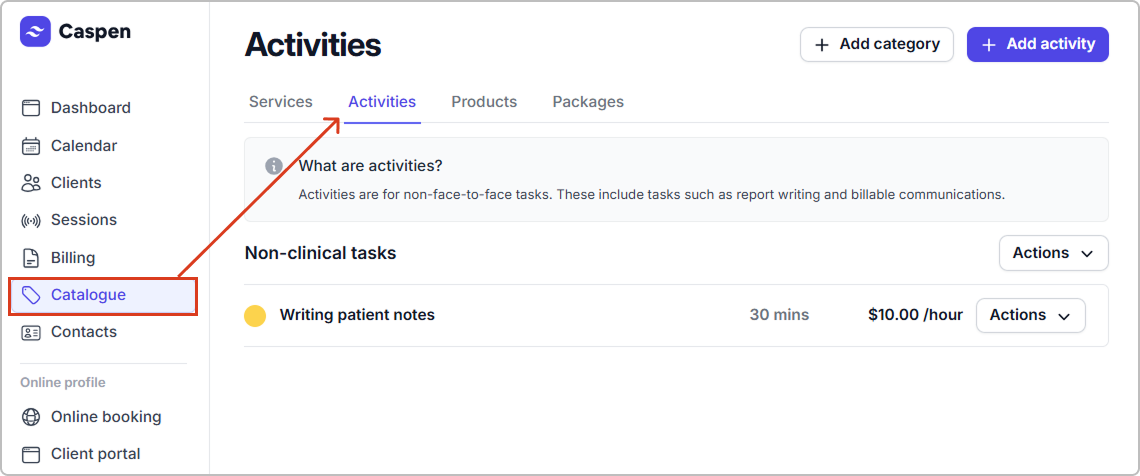
1. Go to **Catalog** → **Activities.**
2. Find the activity, then click **Actions** → **Edit activity**.
3. Update the fields you need, then Click **Save**.
**After you save:**
* The activity is updated in your catalog with the new settings.
* New activity entries use the updated details.