Archive an activity
Learn how to archive an existing activity in your calendar.
1 min readUpdated 8 months ago
How to archive an activity
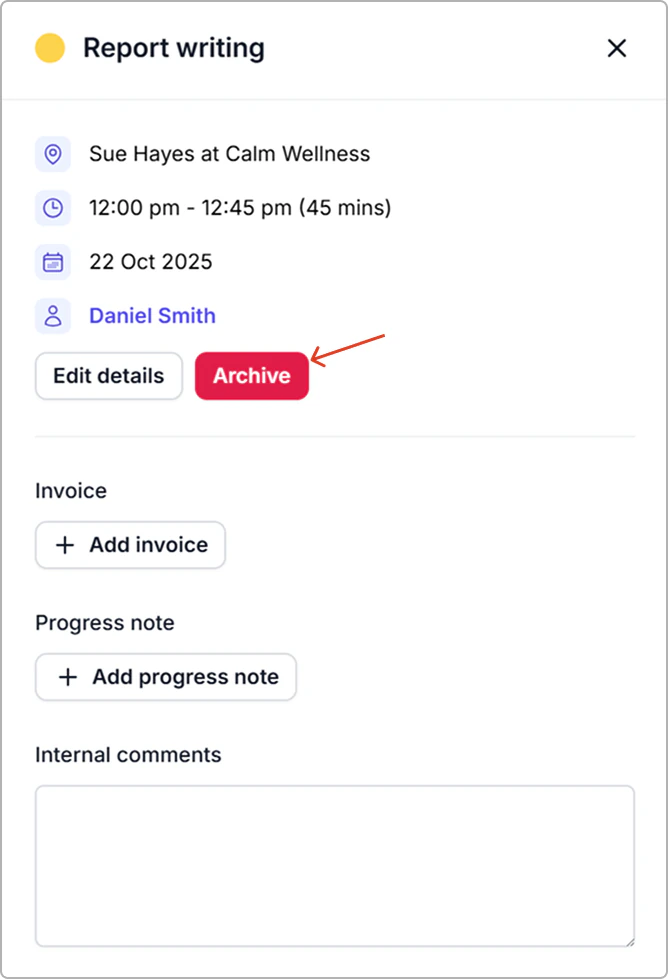
- Go to the Calendar and click the activity.
- In the activity info panel, select Archive.
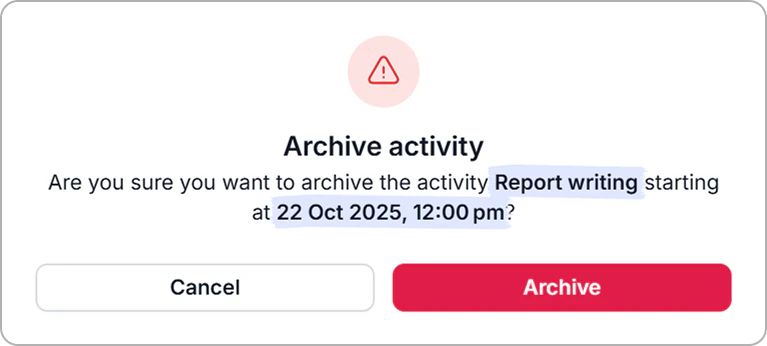
- Review the confirmation, then click Archive again.
Result
- The activity is removed from the calendar immediately.