Archive an activity
Remove an activity from the list and future use.
1 min readUpdated 8 months ago
Archive an activity
- Go to Catalog → Activities.
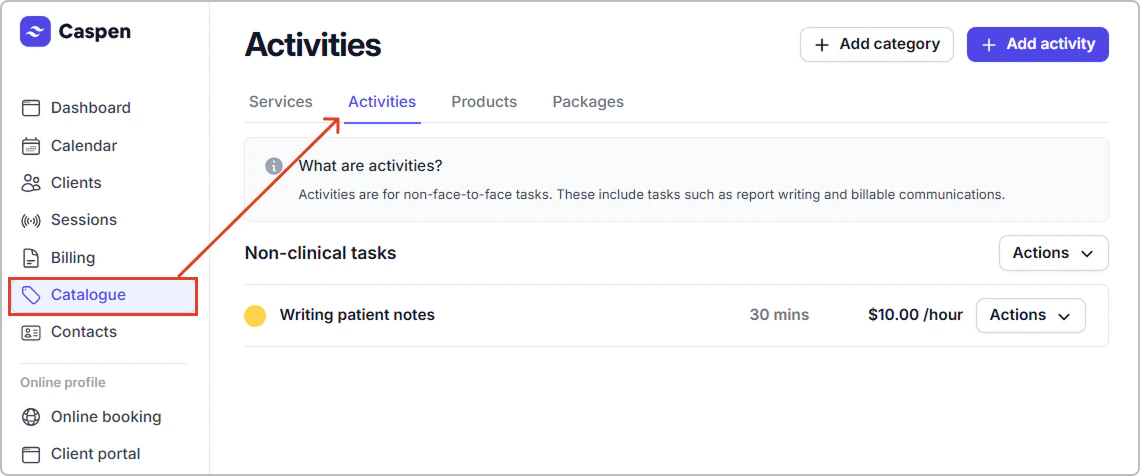
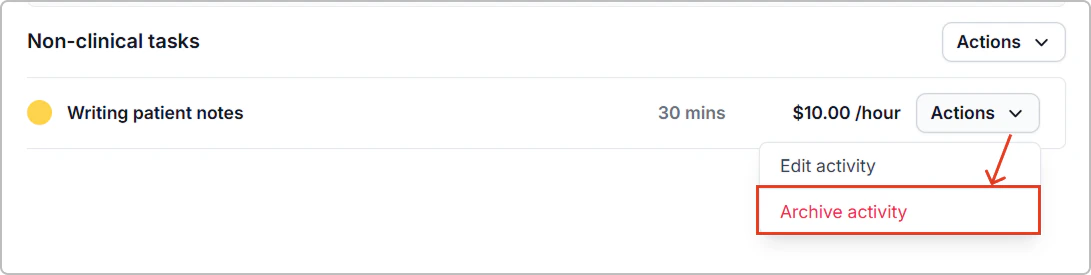
- Find the activity, then click Actions → Archive activity.
What happens next
- The activity is hidden from the Activities list.
- It no longer appears in search or selection menus.
- You cannot schedule new entries or add it to invoices.
- Existing records and past invoices stay as they are.