Edit a contact
Learn how to edit or update a contact's details in Caspen.
1 min readUpdated 8 months ago
Edit a contact
- Go to Contacts.
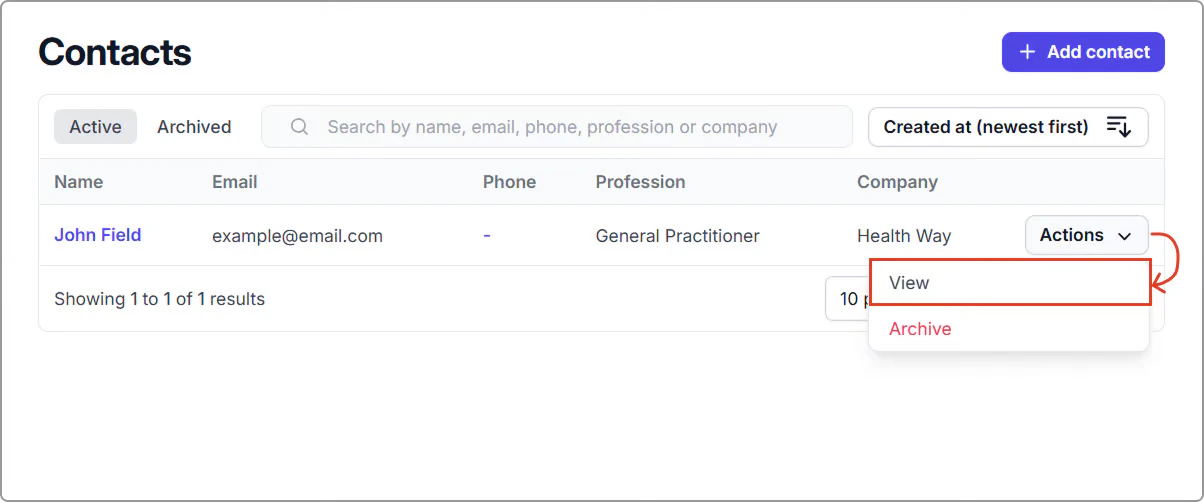
- Find the contact (search or scroll), then click the name or Actions → View.
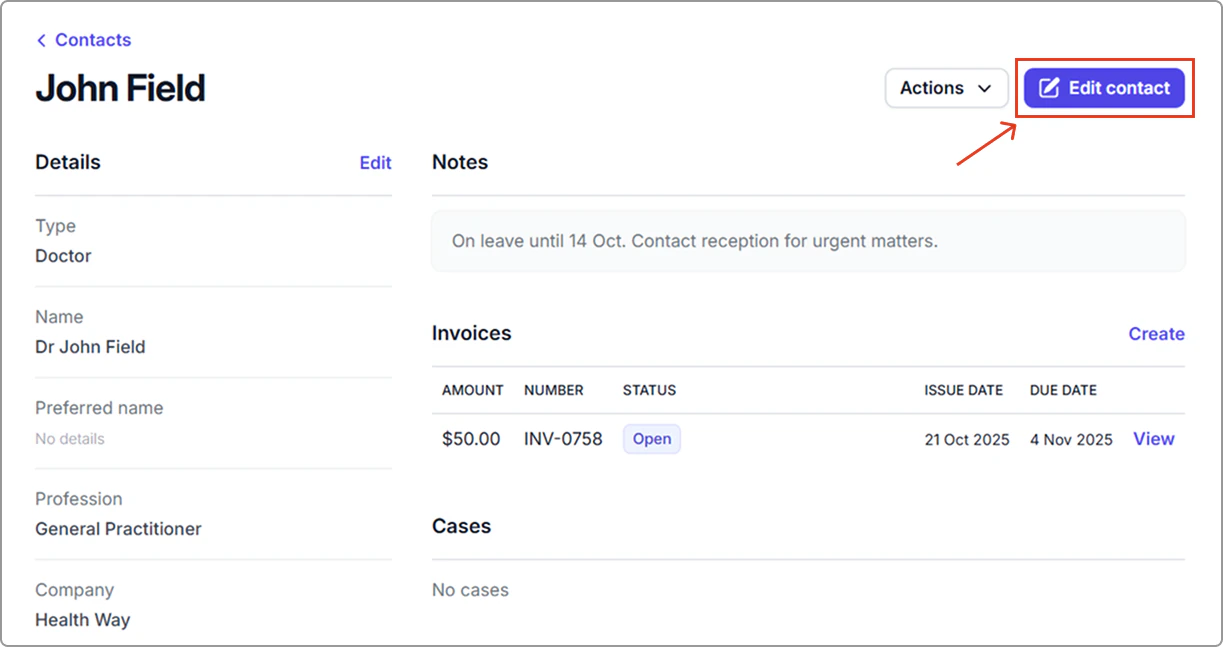
- Click Edit contact.
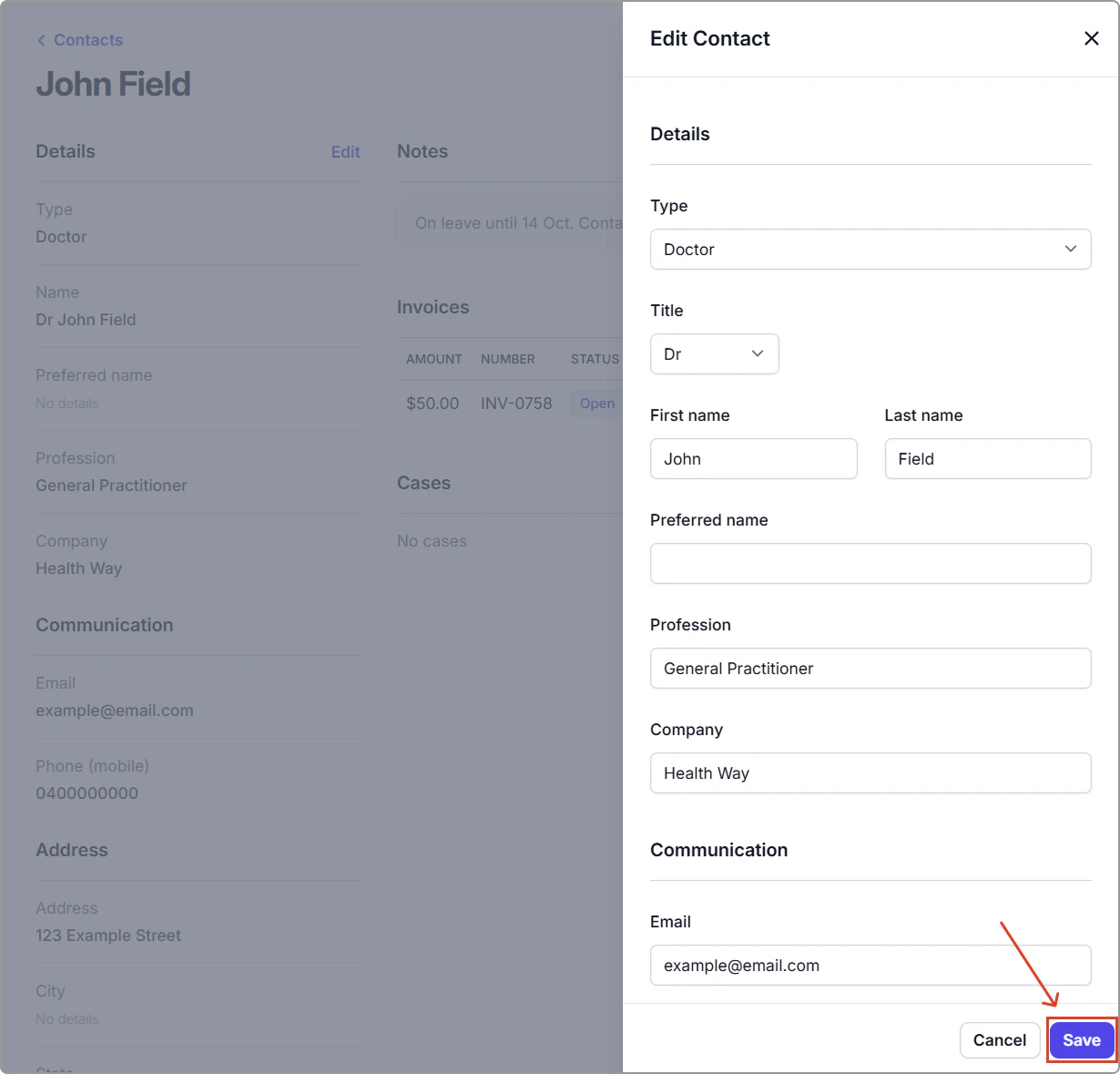
- Update the details, then click Save.