Edit a busy time
Update the time, details, or busy time type for an existing busy time event in your calendar.
1 min readUpdated 8 months ago
How to edit a busy time
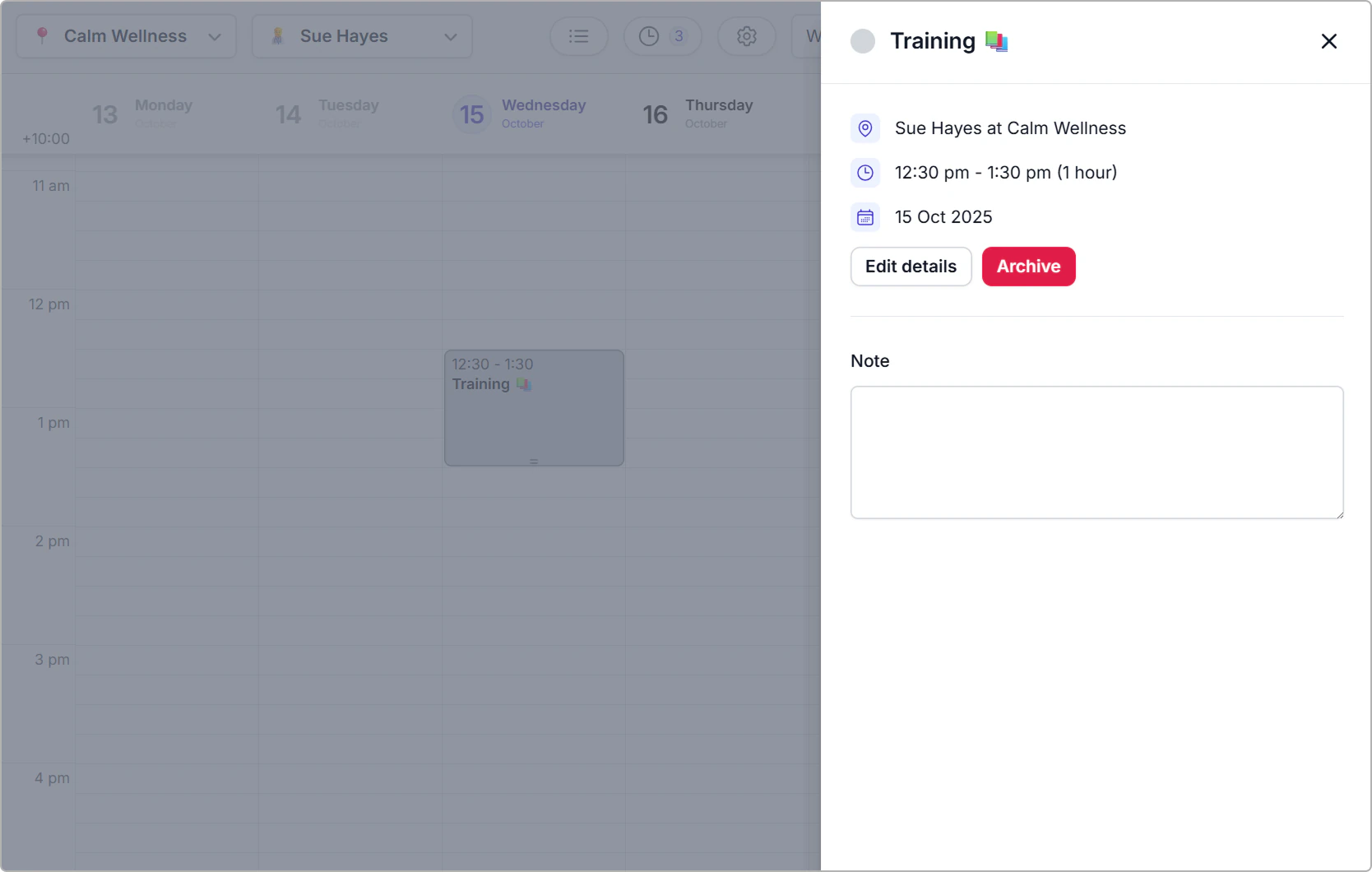
- Click the busy time block in the calendar to open the information panel.
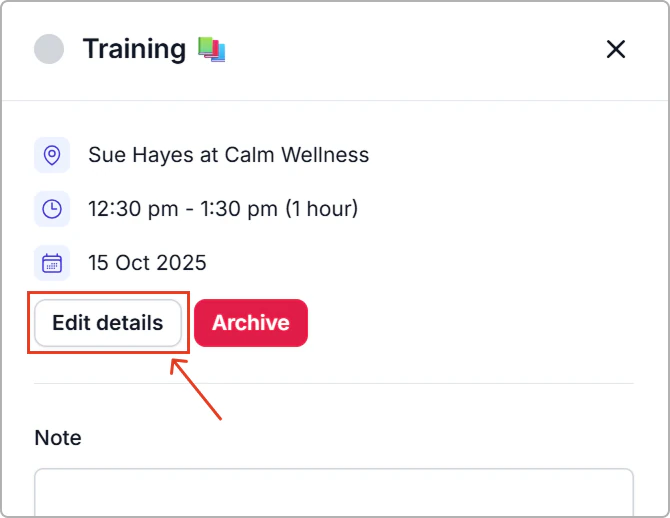
- Click Edit details.
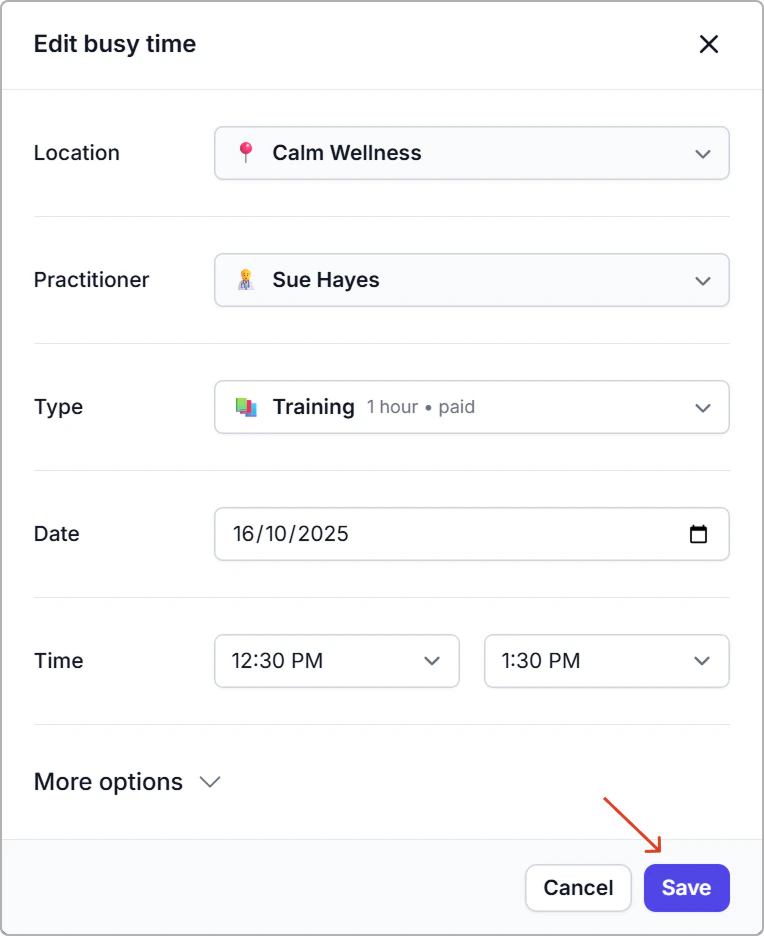
- Update any fields: Location, Practitioner, Type, Date, Time, Room, Vehicle, Resources, Note.
- Click Save.
Tip
Note: Editing a busy time immediately updates availability for that period.