Edit a package
Learn how to edit a package you offer in your catalog.
1 min readUpdated 8 months ago
Edit a package
If you want to edit a package that you offer:
- Go to Catalog → Packages tab.
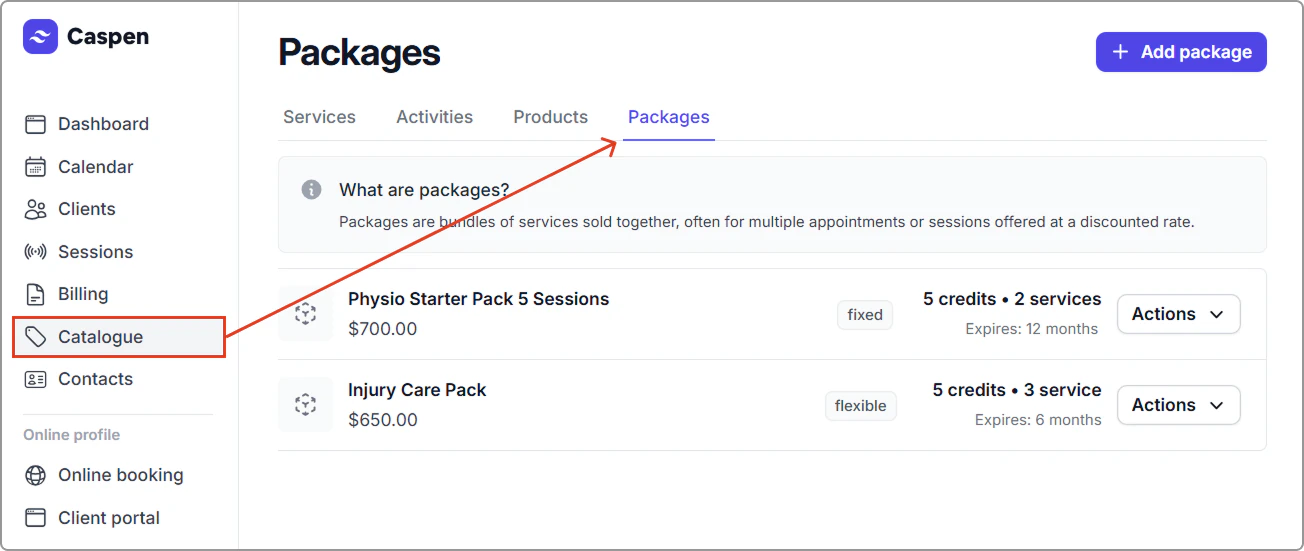
- Find the package, then click Actions → Edit package.

- Update the fields you need (for example: Name, Description, Credits, Amount, Tax rate, Included services, Define quantities, Expiry).
- Click Save.
After you save:
- Edits apply to new client packages created from this package.
- Existing client packages are not changed and keep their current usage history.
Info
Tip: For major changes (e.g., different service mix or pricing), it’s best to create a new package and archive the old one to avoid confusion.
\