Archive a package
Learn how to remove a package from your catalog so it cannot be sold or assigned again.
1 min readUpdated 8 months ago
How to archive a package
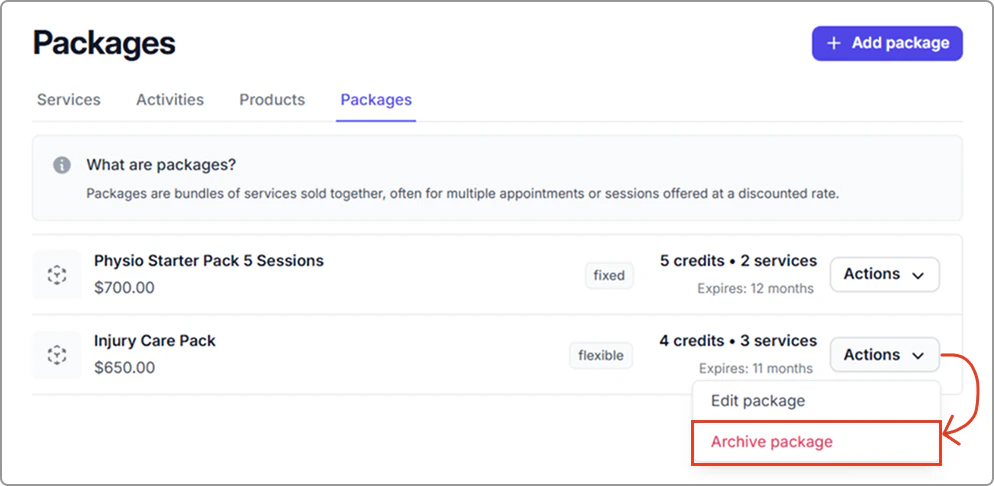
- Go to Catalog → Packages tab.
- Find the package, then click Actions → Archive package.
What happens
- The package is removed from the catalog and cannot be selected, edited, or assigned again.
- It no longer appears in search or selection menus.
- Any packages already assigned to clients are not affected. Their status and usage remain visible, but you cannot create new client packages from the archived template.