Invoice for a canceled appointment
Invoice a client for a canceled appointment based on your cancellation policy.
1 min readUpdated 8 months ago
How to invoice a canceled appointment
To learn how to cancel an appointment, see Cancel an appointment.
You can create an invoice for a canceled appointment if the service still needs to be billed (for example, for late cancellation fees).
- Go to the Schedule tab.
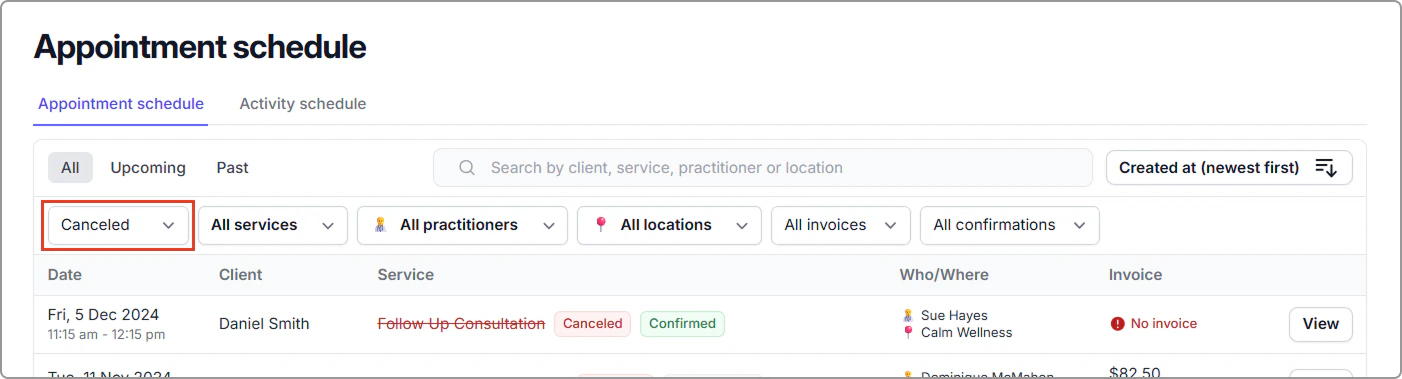
- In the appointment list, set the Status filter to Canceled, and apply any additional filters or search terms if needed.
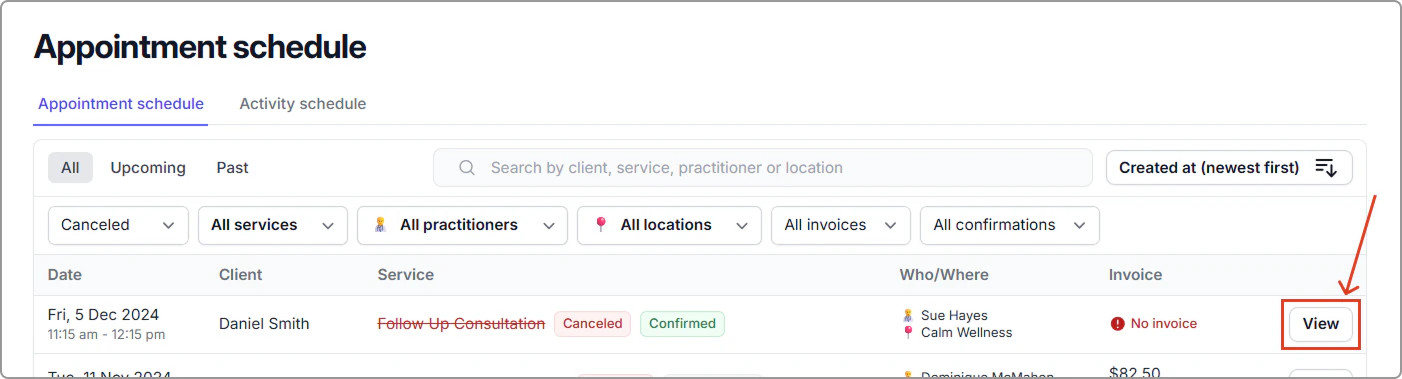
- Locate the canceled appointment and click View to open the appointment information side panel.
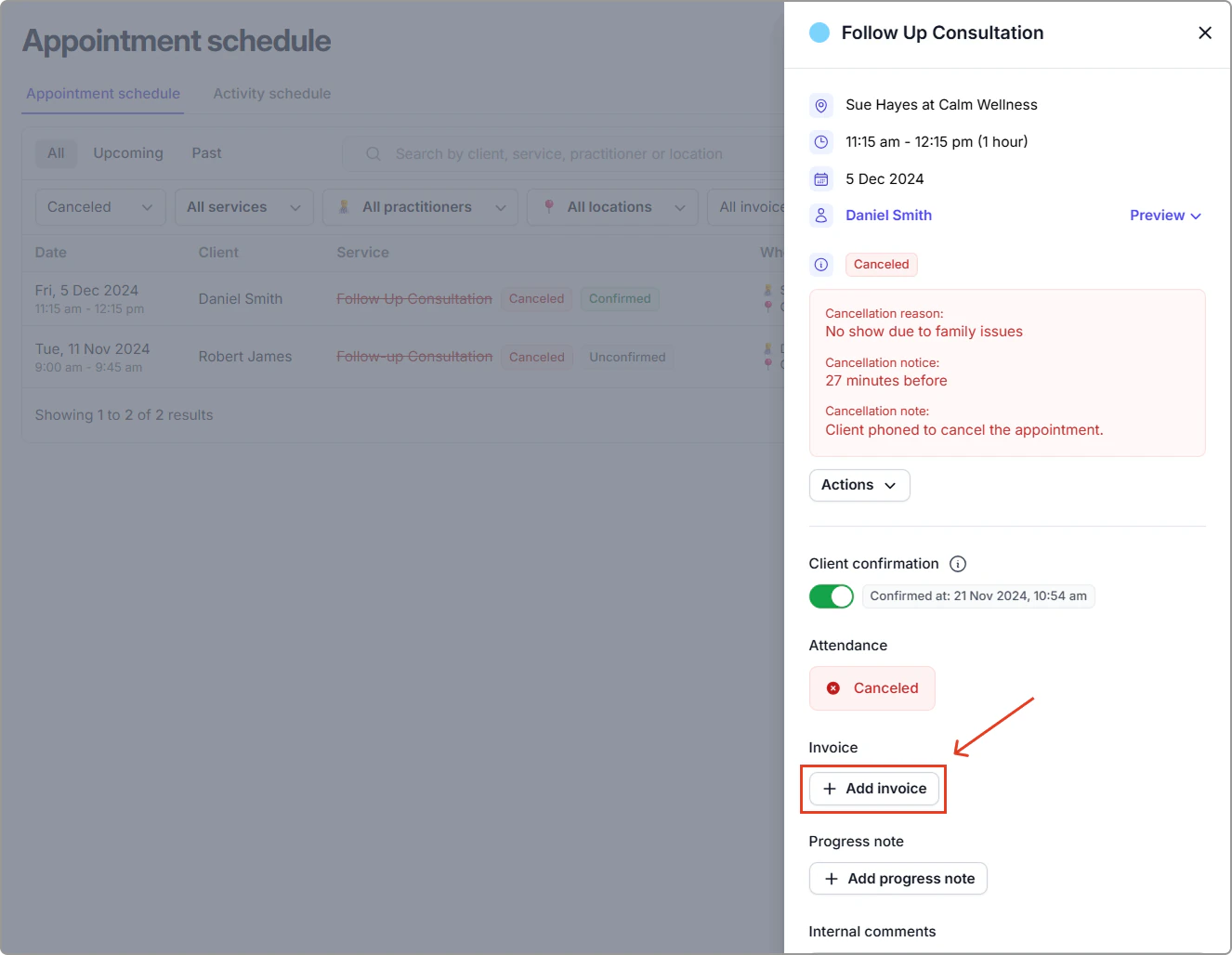
- Click Add invoice and follow the steps to create your invoice.