Add a cancellation policy to online bookings
Learn how to add and display your cancellation policy on the online booking page.
1 min readUpdated 8 months ago
How to add a cancellation policy to online bookings
- Go to Settings → Online booking.
- Find Cancellation policy and add your policy details. Press Enter for new lines; use “- ” to create a simple list.
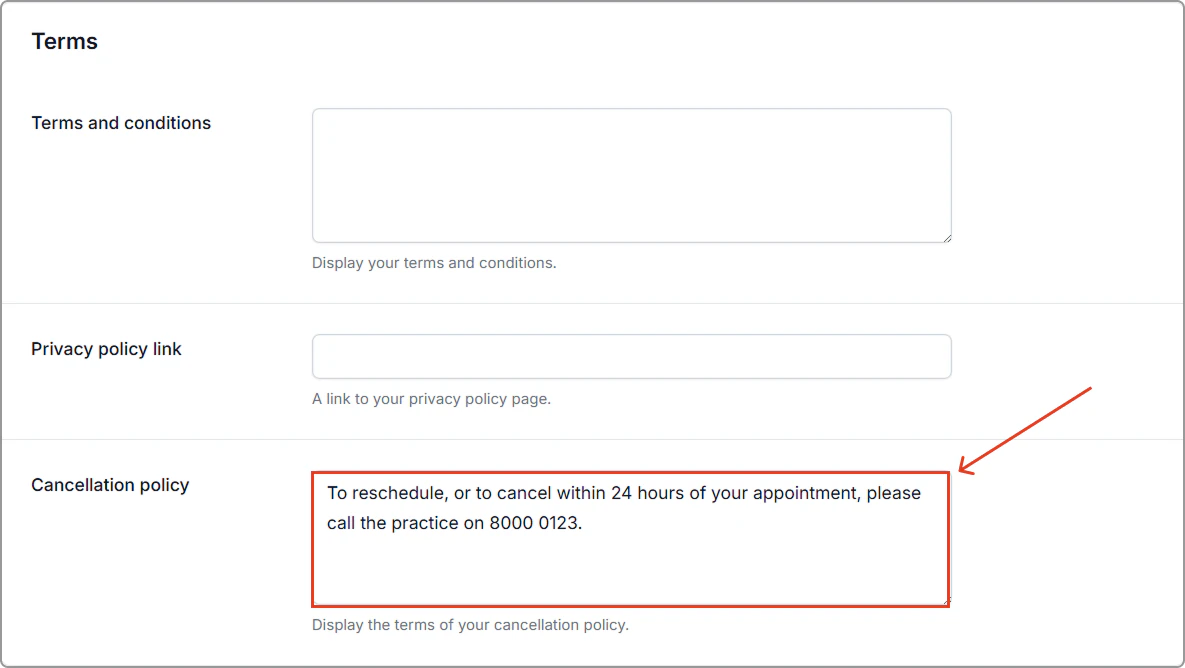
- Click Save (top-right of the page).
Where it appears
Your cancellation policy appears on the final step of the online booking flow.
Note: Clients are not required to tick any checkbox to agree to the policy to complete a booking.