Income overview
See a snapshot of your practice’s recent financial activity including invoices issued and payments received, displayed by month.
Overview
Located on the Dashboard, the income chart helps you track trends and compare invoicing versus received payments at a glance.
This makes it easier to understand how your practice is performing, identify quieter or busier periods, and stay informed about cash flow.
Income chart
The chart displays monthly totals for:
- Invoices (amount billed)
- Payments (amount received)
Green bars represent invoices, and blue bars represent payments.
Info
The chart updates automatically as you issue invoices and record payments.
Dashboard example
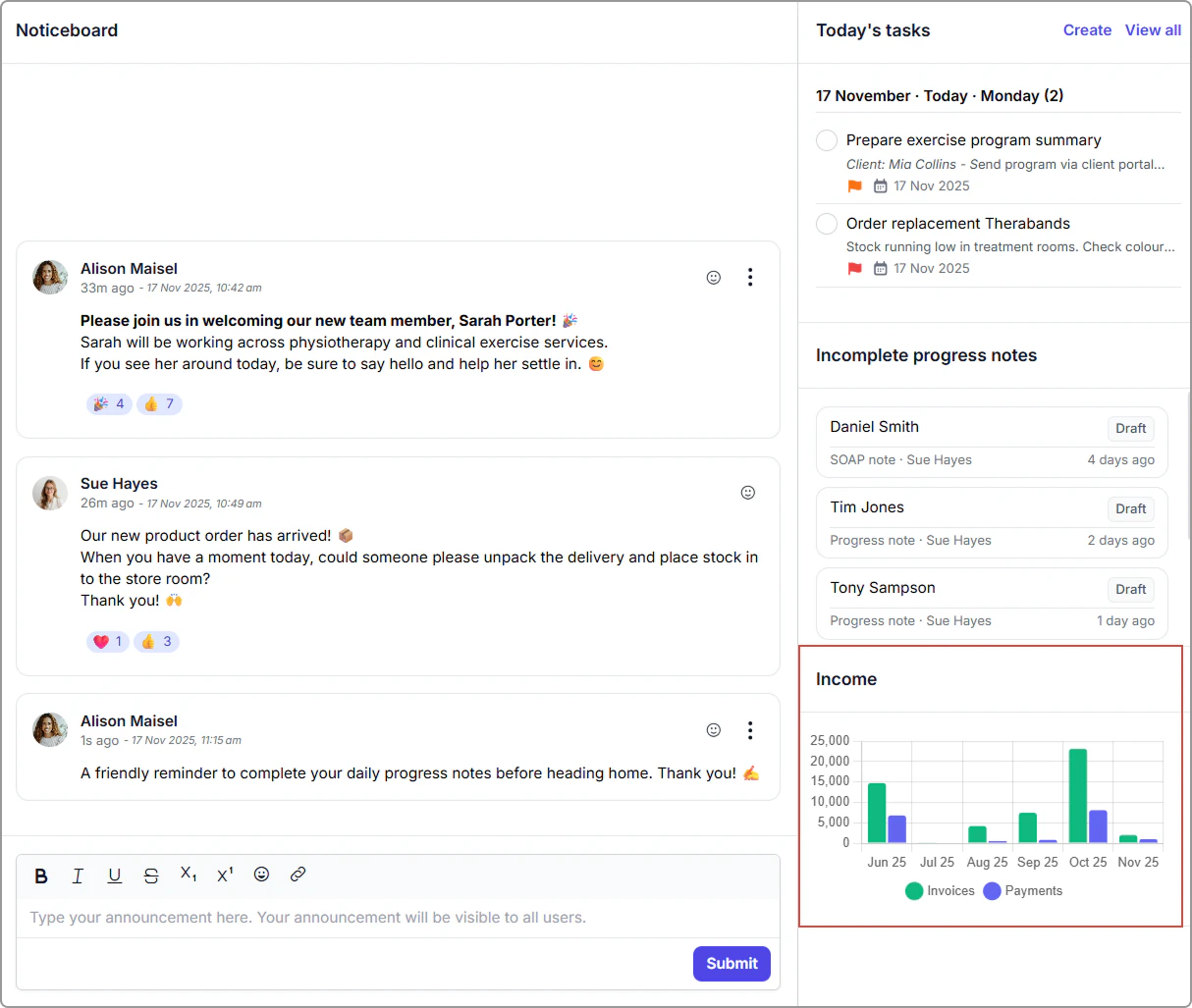
Income chart on the Dashboard showing monthly invoices and payments.
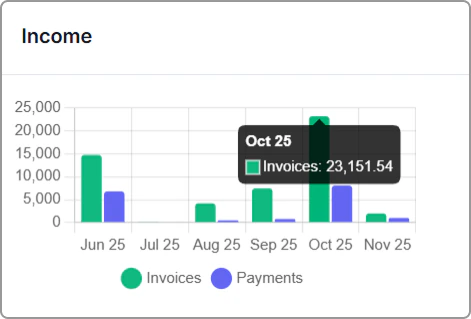
Income chart on the Dashboard showing monthly invoices and payments.
Permissions
The data shown is based on your user permissions:
- Practitioners can view only their own invoices and payments.
- All other roles (e.g., Admin, Manager, Owner) can view the practice-wide overview.
This ensures financial visibility is appropriate to each role.